
Gym Website Lead Generation: How to Turn Visitors Into First Visits
Picture someone who has not trained in five years, on their phone at 11 p.m. They find a gym nearby: a list of programs and a monthly price. They close the tab, not because they do not want to join, but because nothing told them where someone like them would start. Next morning, your reception gets a WhatsApp message from a different stranger: "Hi, what is the price?" Both people are imagined. You have probably met both.
Why a "what is the price?" message tells your team nothing
Good gym website lead generation starts with one difference. A normal gym website says "here are our programs". A website that guides says "let us help you understand where you could start". The goal is not more clicks. It is visitors who reach your team knowing what they want to ask.
This article covers why visitors stall, three simple tools that give them a starting point, how a ready-written WhatsApp message changes the first conversation, a reply routine for your team, and a seven-question check you can run on your own site today. It does not promise more members. No website can honestly do that.
"Hi, what is the price?" is a common-sounding example, not a statistic. It is a fair question. The trouble is what it leaves out: no goal, no timing, no experience level, no sign of whether this person has ever stepped into a gym. Your team has to start the conversation from zero, often while the evening rush is on. We have written before about what slow, form-only gym websites leave on the table. This article is about the moment before the message: what the website could do so that the message says more.
Information is not guidance
Most gym websites are built to inform. They list programs, timings, facilities and plans. That works for someone who already knows what they want. It does little for someone who is unsure, and unsure people are often exactly who a growing gym is trying to reach.
Two questions from the list of things people ask before a first visit carry most of the weight here: "Is there guidance for beginners?" and "What should I do if I am completely new?" A programs page cannot answer either. It can only describe what exists and leave the visitor to work out where they fit.
In the gym digital presence guide we use with owners, uncertain visitors fall into three broad groups:
- Someone who wants to begin but does not know where to start. They need a starting point, not a list.
- Someone who has a goal but wants to understand the journey. They want to know what the first weeks and months might look like before they commit.
- Someone who is ready to begin but wants clarity about the first month. They want to know what happens when they walk in, and how to fit training into their week.
Each group maps to one tool. The aim of each tool is the same: move a visitor from uncertainty to a clearer next step, then hand them to a person.
Three ways to guide a visitor
These are screens from Blogspage AI's working gym product. Each tool asks simple questions, needs no account and no sign-up, and ends with a clear next step. They give general guidance for getting started, not a workout programme or medical advice, and anyone with an injury or health condition should speak to a qualified professional before training.
Find your starting point
For the first group. The starting point check asks about five short questions and takes about a minute. The first one is simply what the person is training for: fat loss, building strength, building muscle, general fitness, or getting back into training. There is no account to create and no long form to fill in.

The result is a suggested place to begin, such as a beginner program with an orientation first. For a visitor who closed the tab last night, that one line is what was missing.
Map your fitness journey
For the second group. The visitor gives a goal, their experience level and how many days a week they can train. The map then shows a possible journey across 3, 6 or 12 months, broken into phases.

In the example shown, someone new to training with four days available sees a current focus of "learn the rhythm", a suggestion that three training days is a more manageable start, and a first milestone of five consistent weeks. The phases are labelled Foundation and Build. Nothing on the screen promises a result. It shows what a sensible first stretch could look like, which is often what a nervous beginner needs before they message anyone.
Plan your first 30 days
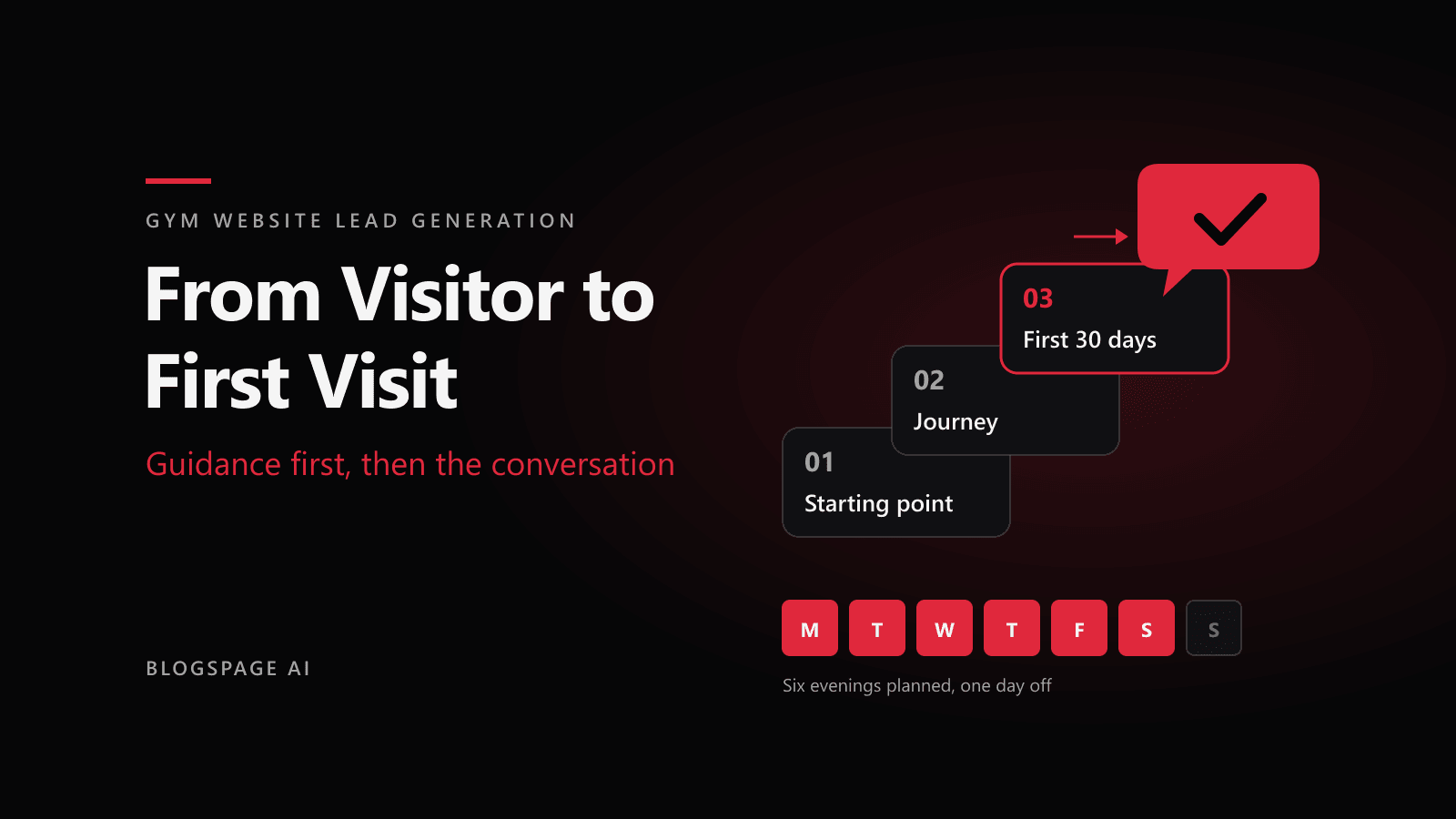
For the third group. The visitor picks the days and times that suit their week, and the planner lays out a first month around them. In the example, that is six evenings a week, Monday to Saturday.

The planner also explains the first visit in four plain steps: arrive and check in, ask who can help you get started, get familiar with the space, and ask any questions before starting. It suggests questions worth asking, and a short "before day 1" list: put your training days in the calendar, check your travel time at your usual training hour, note your questions, and ask who to speak to when you arrive. Practical details such as a landmark, parking and access sit alongside, because "where do I park?" is a real question for someone arriving after work.
The handoff: from result screen to a gym WhatsApp enquiry
Every tool ends on a result screen with two actions: Plan my first visit and Copy message.

The message is written for the visitor, from their own answers, and the visitor sends it themselves on WhatsApp. Nothing is sent on their behalf. A first message might read:
"Hi [Gym name], I tried the First 30 Days planner on your website. I'm new to gyms and I'm looking at training six evenings a week (Mon, Tue, Wed, Thu, Fri, Sat). Could I come in and have a look around first?"
Compare that with "Hi, what is the price?" Your team now knows the person is new, when they want to train, and that they would like a look around before deciding. The obvious reply is an invitation, not a rate card. The conversation starts several steps further along, and it starts with something your team is good at: showing people the gym.

This is the line we hold to: the website's job ends at the conversation, and your team's job begins there. The tools are not there to replace your manager or trainers. They make the first interaction easier and better informed. We made the same point after talking to local gym and clinic owners about websites: a website does not replace the handshake, it creates the opportunity for one.
What your team does next: a gym enquiry follow up routine
A better message only helps if someone answers it well. This routine is our suggestion, not a measured benchmark, and you should adapt it to how your gym actually runs:
- Reply from a person. Use a name. An automatic "thank you for your enquiry" reads like a closed door.
- Answer the question they actually asked. If they asked to look around, start there.
- Offer a walk-around before leading with price. Price matters, and you should share it when asked. A visit simply answers more of their questions at once.
- Ask one question back. For example, "Is there anything you'd like a trainer to know before you come?" One question, not a form.
- Confirm a specific time. "Tuesday at 7 p.m. works, ask for [trainer's name] at the desk" beats "come anytime".
- Send the practical details. Landmark, parking, which entrance, what to bring. Save these once and reuse them. If you use the WhatsApp Business app, quick replies let you save messages you send often and insert them with a shortcut.
- Follow up once if there is no reply. One friendly message a day or two later. Then let it rest.
Notice what is missing: countdowns, "offer ends tonight", or repeated chasers. They put people off, and they cross into the territory covered next.
Keep it honest
No website can guarantee more members. What it can do is make the path from discovery to understanding to enquiry clearer. Say so to yourself before anyone else says it to you.
Keep pressure tactics off the site and out of the replies. That means no fake countdown timers and no "only 3 spots left" unless it is true. The Advertising Standards Council of India's guidelines on online deceptive design patterns, published in the ASCI code book, treat false urgency as misleading. The same goes for results: tools give general guidance, results vary, and no planner should be presented as a promise.
Privacy deserves the same care. The tools need no account or sign-up, and the visitor chooses whether to send the message. If your version stores answers, treat them as personal data: collect only what the tool needs, keep goals and any health details out of analytics tools, and decide who on your staff can see enquiries. India's Digital Personal Data Protection Act, 2023 and the DPDP Rules notified in November 2025 come into force in phases, with most duties for businesses scheduled to apply 18 months after notification. The government has discussed shortening that window for some large companies, so check the current position. This is general information, not legal advice; confirm with a qualified adviser.
How to tell if your gym lead conversion is working
You do not need a dashboard to start. Track a few plain things for a month, in a notebook or a shared sheet if that is what you have:
- Taps on WhatsApp and call from the website, if your site can count them.
- "Plan my first visit" clicks, and how many of those turn into a message.
- Enquiries that arrive with context: a goal, a timing, a question. Compare them with bare price questions.
- First visits booked and attended from those messages.
- Joins that started with a website enquiry.
Look at the direction over several weeks, not the number on one day. We will not tell you what the numbers should be. Every gym's location, pricing and team are different, and any benchmark we quoted would be invented.
A seven-question check for your gym first visit path
Open your own website on your phone, on mobile data, and answer these honestly:
- Does it tell a complete beginner where they could start?
- Are timings and location clear without scrolling through a gallery?
- Can a visitor reach a person in one tap?
- Does the message that arrives include any context, or only "price?"?
- Does someone reply the same day, with a name?
- Is the first visit explained: what happens, who to ask for, where to park?
- Is anything on the page a promise you cannot keep?
If several answers are no, start with the structure of the site itself. Our buyer's guide to gym website development goes through each section and the question it answers. If the answers are mostly yes and the problem is now volume, renewals and freezes, read what to build first when a gym outgrows its spreadsheets. You can also try all three tools on our gym solution page for Hyderabad, where a working sample shows the message updating as you choose.
The same visitor, with a starting point
Go back to the person awake at 11 p.m. With a starting point check on the page, they might have answered five questions and seen a beginner program with an orientation first. Instead of closing the tab, they could have sent: "I'm new, I can train three evenings a week, can I visit before joining?" Your team would have known exactly what to say.
Blogspage AI builds these guidance tools and gym websites, so we have a commercial interest in this topic. The reply routine and the seven-question check work whether or not you ever use our tools. If you would like to see how they would read with your own programs and timings, start with a conversation.
Frequently asked questions
- Why do so many gym enquiries just ask "what is the price?"
- Often because the website listed programs and a price but never told the visitor where someone like them would start. Price is the only question left. Guidance on the site helps visitors arrive with a goal, a timing and a real question.
- What are gym website guidance tools?
- Simple tools that help a visitor find a starting point, see what the first months could look like, and plan their first 30 days. They need no account or sign-up and end with a clear next step. They give general guidance for getting started, not a workout programme or medical advice.
- Does the website send WhatsApp messages on the visitor's behalf?
- No. The tool prepares a message from the visitor's own answers, and the visitor chooses whether to send it. Nothing is sent for them.
- Will a gym website bring more members?
- No website can honestly guarantee more members. What it can do is make the path from finding your gym to messaging your team clearer, so the first conversation starts with context. Your team does the rest.
- How should my team reply to a gym WhatsApp enquiry?
- Our suggestion: reply from a person, answer the question actually asked, offer a walk-around, ask one question back, confirm a specific time, send the landmark and parking details, and follow up once if there is no reply.
- How do I know if my gym website is producing better enquiries?
- Track a few plain things over several weeks: taps on WhatsApp and call, Plan my first visit clicks, enquiries that arrive with a goal or timing, first visits attended, and joins that started on the website.
Want a system like this for your business? Get in touch.